The Complete Guide to WISP Backhaul
How to choose, size, secure and finance fiber and licensed microwave backhaul for fixed-wireless towers.
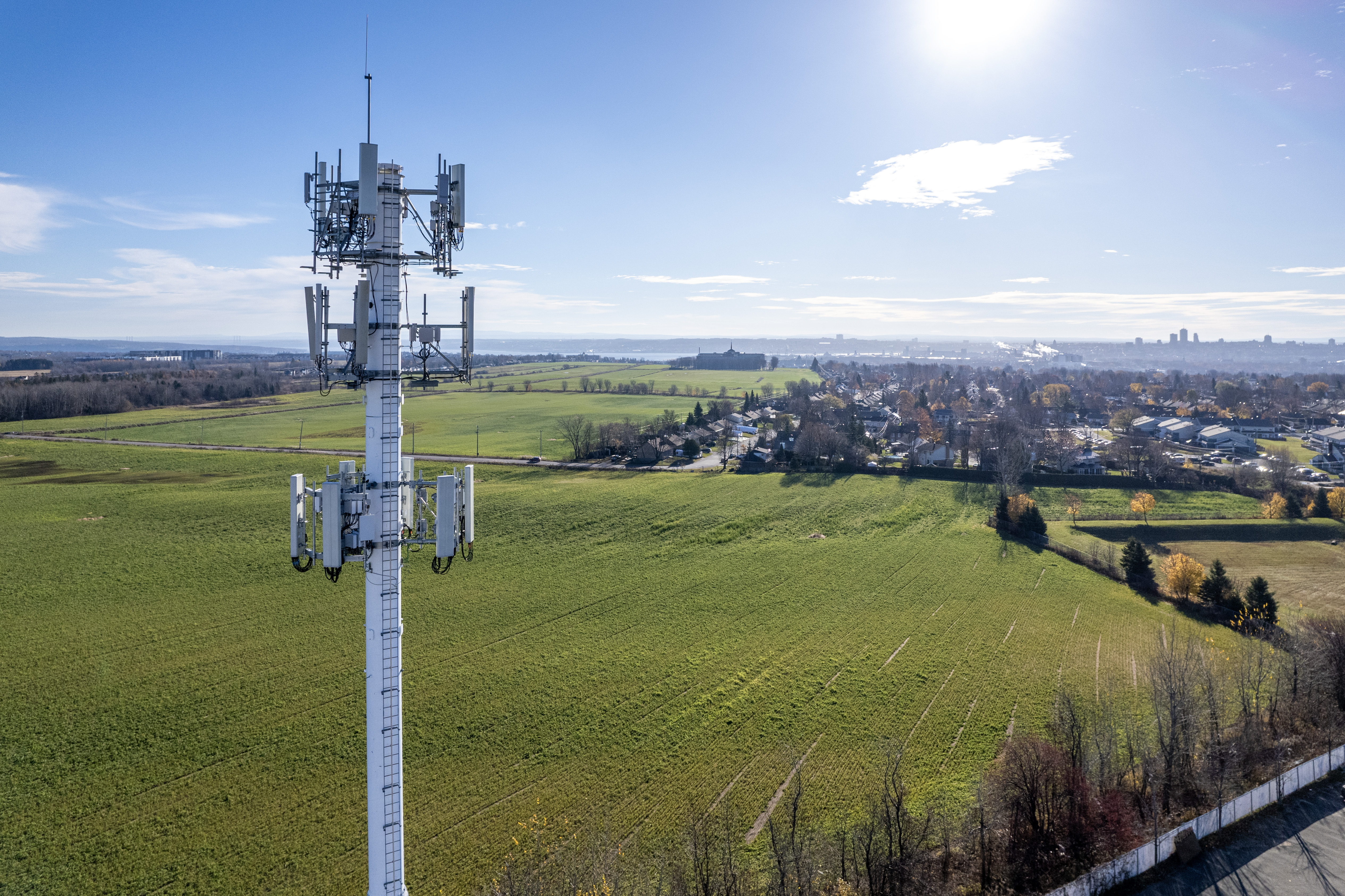
Every fixed-wireless network has a ceiling, and it is not set by your radios, your antennas or your sector layout. It is set by your backhaul. The circuit between your tower and the rest of the internet determines how much capacity you can sell, how well your network performs at 8 p.m. on a Tuesday, and how many customers you can add before the whole site starts to feel slow.
This guide covers the full backhaul buying process for WISPs and tower operators: the technology options, how to size capacity, how to read oversubscription and latency math, how to build real redundancy, what construction and contracts actually involve, and how to compare provider quotes on equal footing. It is written for owners, network engineers and operations managers who are about to spend real money on circuits and want to avoid the expensive mistakes.
If you are weighing a specific fiber-versus-microwave decision, also read our companion piece on fiber backhaul versus licensed microwave. This guide zooms out to the entire decision.

What WISP backhaul is and why it determines your ceiling
Backhaul is the transport layer that carries traffic between your access network and a provider point of presence (POP), data center or internet exchange. For a WISP, that usually means the link between a tower and the nearest place where a carrier will hand off IP transit or Ethernet transport. Everything your customers do — streaming, gaming, video calls, cloud backups — crosses that link twice: once on the way out and once on the way back.
Your access network can only be as good as the pipe behind it. A tower with 1.5 Gbps of sector capacity and a 500 Mbps backhaul circuit is, in practice, a 500 Mbps tower. Customers experience congestion at the bottleneck, not at the sector. That is why backhaul decisions compound: undersize it and you throttle growth and generate support tickets; oversize it wildly and you strand capital that could have gone into new sectors or new towers.
Backhaul also shapes the parts of your product you cannot see on a speed test:
- Symmetry. Upload matters more every year as customers work from home, back up to the cloud and stream themselves. Many cheap circuits are asymmetric.
- Consistency. A circuit that delivers full speed at 3 a.m. but drops 30 percent at peak hour is a product problem, not a network trivia item.
- Uptime. A single backhaul failure takes down every customer on the tower, and rural customers have long memories.
- Addressing and routing. Whether you get routable IPv4 space, BGP capability and clean handoffs affects how you architect the rest of the network.
Treat backhaul as core infrastructure, budgeted and engineered like your towers — not as a utility bill to minimize.
Dedicated Internet vs. business broadband vs. Ethernet transport
Almost every wired backhaul quote you receive will be one of three product types. They look similar on an order form and behave very differently in production. We compare them in depth in dedicated Internet versus broadband for tower backhaul; here is the working summary.
Dedicated Internet Access (DIA)
DIA is a committed, symmetric, uncontended (or lightly contended) internet circuit with an SLA. You get a committed information rate, guaranteed uptime targets, repair-time commitments and usually a block of routable IPv4 addresses. It is the default correct answer for tower backhaul wherever it is available and affordable. The catch: at tower sites far from metro fiber, DIA often requires construction, and the monthly price reflects the carrier's cost to reach you.
Business broadband
Business cable or fiber broadband is a shared, best-effort product with business-class support. It is fast and cheap on paper, but it is typically asymmetric, oversubscribed at the node level, carries no meaningful SLA, and often sits behind carrier NAT or dynamic addressing. Broadband is acceptable as a temporary circuit, a tertiary backup path, or backhaul for a very small site. It is not a foundation for a growing WISP. The day a cable node congests during prime time, every subscriber behind that tower feels it — and they will blame you, not the cable company.
Ethernet transport (E-Line / E-LAN)
Ethernet transport is a private Layer 2 circuit between two of your sites — for example, from a tower back to your own core POP where you buy IP transit in bulk. It carries no internet by itself; you bring the transit. This is the architecture mature WISPs converge on: cheap transport to the tower, aggregated transit purchased at a data center where pricing is competitive, and full control over routing, IP space and QoS. The trade-off is that you now operate a core network and need the skills (or a partner) to run it.
Backhaul product types at a glance
| Attribute | Dedicated Internet (DIA) | Business broadband | Ethernet transport |
|---|---|---|---|
| Capacity commitment | Committed rate, symmetric | Best effort, usually asymmetric | Committed rate, symmetric |
| SLA | Uptime, latency, repair time | Minimal or none | Uptime and repair time |
| IP addressing | Static routable block, BGP often available | Dynamic or small static block | None — you bring your own |
| Internet included | Yes | Yes | No — Layer 2 only |
| Relative monthly cost | High | Low | Moderate (plus transit at your POP) |
| Best fit | Primary backhaul for most towers | Backup path, tiny or temporary sites | Networks with their own core POP |
Fiber backhaul: when it wins
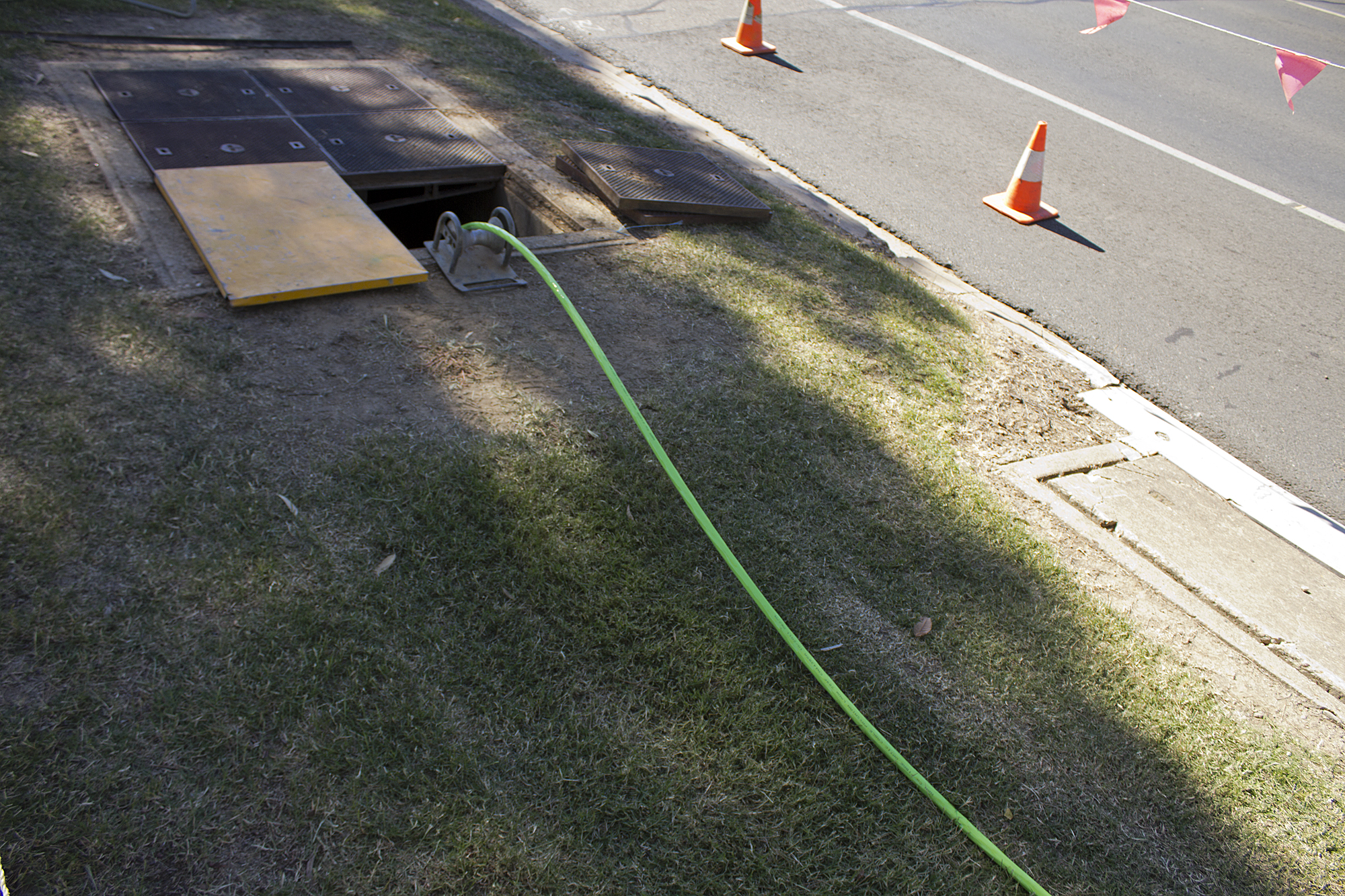
Fiber is the reference standard for backhaul: enormous capacity headroom, single-digit-millisecond latency, immunity to radio interference and weather, and a service life measured in decades. Once it is in the ground or on the pole, it is the cheapest capacity per megabit you will ever buy, and it scales by swapping optics rather than rebuilding anything.
Fiber wins when:
- The tower is on-net or near-net. If a carrier's fiber already passes the site or a splice point is within a short lateral build, construction costs stay modest and the decision is easy.
- You need or will need multi-gigabit capacity. A site trending toward 1 Gbps of sustained peak traffic should be on fiber; see when a WISP should upgrade from 1G to 10G for the capacity signals.
- The tower aggregates other towers. Aggregation sites that collect microwave hops from several remote towers need fiber-class headroom and reliability.
- You sell to business or anchor tenants. Customers paying for SLAs expect fiber-class performance behind them.
Fiber's weaknesses are economic and practical, not technical: construction cost and lead time when the site is off-net, the risk of a single conduit cut taking the site dark, and the simple fact that many rural towers are miles from the nearest carrier splice point. That is where microwave enters the picture.
Licensed microwave: when it wins
Licensed point-to-point microwave moves carrier-grade capacity through the air between two coordinated endpoints, using regulated bands (commonly 6, 11, 18, 23 GHz and millimeter-wave bands like 70/80 GHz for shorter hops). Because the spectrum is licensed and coordinated, your link is protected from interference — the critical difference from unlicensed point-to-point radios.
Licensed microwave wins when:
- Fiber construction is cost-prohibitive. When the lateral build quote has six figures in it, a microwave hop to a fiber-fed tower is usually the rational answer.
- Terrain makes trenching impractical. River crossings, rock, wetlands, rail lines and highway crossings all inflate fiber costs; radio hops over them.
- You need capacity now. A coordinated licensed link can be engineered, licensed and installed in weeks rather than the months a fiber build requires.
- You need path diversity. Even at fiber-fed sites, a microwave hop on a physically separate path is one of the best redundancy investments a WISP can make.
Microwave's constraints are physics. Links need clear line of sight (with Fresnel zone clearance), towers with structural capacity for the antennas, and engineering for rain fade — especially at higher frequencies, where heavy rain attenuates the signal. Engineers design links to an availability target (often expressed as "five nines" or similar) by sizing antennas, modulation and fade margin to local rainfall data. A well-engineered licensed link is extremely reliable; a poorly engineered one fails exactly when the weather is worst.
Capacity tops out below fiber at the high end — a few Gbps per hop is realistic depending on band and channel width, versus effectively unlimited headroom on fiber. Plan for that ceiling when the tower's growth trajectory is steep.
What goes into a microwave link design
A professional link budget accounts for path length, antenna size and gain, transmit power, receiver sensitivity, modulation scheme and local rainfall statistics. Lower bands carry farther and shrug off rain; higher bands offer wider channels and more capacity but fade harder in heavy precipitation. Adaptive modulation helps: the radio steps down to a more robust modulation during fade events, trading throughput for survivability instead of dropping the link entirely.
Ask whoever engineers your links — vendor, integrator or your own RF engineer — for the written path study: fade margin, predicted availability, antenna heights and the clearance assumptions behind them. A link sold without a path study is a guess with a purchase order attached.
Hybrid designs: fiber primary + microwave secondary
The most resilient WISP architectures are hybrid: fiber as the primary path where it is available, licensed microwave as a physically diverse secondary, and failover logic that moves traffic automatically. The two technologies fail for different reasons — conduit cuts and construction dig-ins versus rain fade and antenna alignment — so their outages rarely overlap. That non-correlation is exactly what you are buying.
Hybrid designs also work in the other direction. A common pattern for a chain of rural towers is a fiber-fed hub tower, licensed microwave hops out to remote towers, and a business broadband or LTE/5G circuit at each remote site as a last-resort management and failover path. Traffic engineering gets more interesting here: you can run some customer classes over the microwave normally and shift priorities during failover.
Design rules for hybrids that actually work:
- Physically diverse paths, verified. Confirm the fiber route and microwave path share no conduit, pole line or building entry. Providers will tell you routes are diverse; ask for the route map and check.
- Test failover on a schedule. A secondary path that has never carried production traffic is a hypothesis, not a backup. Fail over deliberately during a maintenance window at least quarterly.
- Size the secondary for degraded-but-usable service. You do not need full primary capacity on the backup path, but you do need enough to keep latency-sensitive traffic (voice, video calls) healthy while shedding bulk traffic if necessary.
- Automate detection. Use BFD, interface tracking or routing-protocol timers so failover happens in seconds, not after a customer calls.
How to size backhaul capacity
Sizing backhaul is a forecasting exercise: take your current peak-hour utilization, layer on subscriber growth and per-subscriber consumption growth, then pick the circuit size that stays comfortable for the length of the contract term. Committing to a 36-month term on a circuit you outgrow in month 18 is one of the most common and expensive backhaul mistakes.
A workable process:
- Measure, do not guess. Pull 95th-percentile peak-hour utilization from your tower router or NMS for the last 90 days. Averages lie; peaks are what customers feel.
- Project subscriber adds. Use your actual sales run rate and any planned marketing pushes or new sectors feeding this backhaul.
- Account for per-user growth. Household bandwidth consumption keeps climbing year over year as streaming shifts to higher bitrates and more devices come online. Apply a defensible growth factor rather than assuming flat usage.
- Add headroom. Keep sustained peak under roughly 70 percent of circuit capacity so bursts and failover events do not saturate the link.
- Check the upgrade path. Confirm the provider can turn up more capacity on the same circuit without a new build, and what that costs mid-term.
To run the numbers for a specific tower — subscriber counts, plan tiers, oversubscription and growth — use our backhaul capacity calculator. It turns the math below into a concrete circuit-size recommendation.
Oversubscription ratios and peak-hour math
No access network is provisioned for every subscriber at full speed simultaneously; it would be uneconomic, and the capacity would sit idle almost all the time. Instead, WISPs oversubscribe: they sell more aggregate plan bandwidth than the backhaul can carry, relying on the statistical reality that subscribers rarely peak at once. The skill is choosing a ratio that keeps the busy hour clean without strangling growth.
The working formula is simple:
Required backhaul ≈ (number of subscribers × average sustained peak-hour usage per subscriber) × headroom factor
Equivalently: total sold bandwidth ÷ oversubscription ratio. The ratio you can sustain depends on your subscriber mix and how peaky their usage is — which is why measuring your own busy-hour traffic beats copying another operator's numbers.
A few practical rules:
- Small subscriber counts peak harder. Fifty subscribers behave far less statistically smoothly than five hundred. New towers need more conservative ratios than mature ones.
- Watch the trend, not the snapshot. Track busy-hour utilization monthly. When the 95th-percentile peak crosses about 60–70 percent of capacity and stays there, start the upgrade — lead times mean you are buying for a quarter or two from now.
- Big events are load tests. Major game updates, OS releases and live sports streaming days reveal your true peak ceiling. Log them.
- Upstream matters too. Oversubscribe symmetrically. Upload congestion wrecks video calls and cloud backup as surely as downstream congestion wrecks Netflix.
Illustrative oversubscription starting points
| Site profile | Typical starting ratio | Why |
|---|---|---|
| New tower, under 100 subscribers | Conservative (e.g. 10:1) | Small samples peak unpredictably; early adopters are often power users |
| Mature residential tower, hundreds of subscribers | Moderate (e.g. 20:1) | Usage smooths statistically at scale; validate against your own busy-hour data |
| Mixed residential + business tenants | More conservative than residential-only | Business traffic peaks during the day when residential is quiet — two busy hours to serve |
| Aggregation or hub site | Minimal oversubscription | Congestion here hits every downstream tower at once |
These are starting points for planning conversations, not targets to copy blindly. Your own 95th-percentile measurements are the source of truth.
Latency, jitter and packet loss budgets
Bandwidth gets the marketing, but latency, jitter and loss determine whether your network feels good. A congested or poorly engineered backhaul shows up as choppy voice calls, rubber-banding games and buffering video conferences — complaints that speed tests rarely explain.
- Latency is round-trip delay. For a tower backhaul segment, you want single-digit milliseconds added to the customer's path; fiber typically delivers this easily, and well-designed microwave links come close.
- Jitter is the variation in latency. Voice and video are far more sensitive to jitter than to modest absolute latency. Jitter usually signals congestion somewhere — often a saturated upstream or an oversubscribed shared circuit.
- Packet loss above a small fraction of a percent degrades TCP throughput and wrecks real-time media. Sustained loss on a backhaul circuit is a trouble ticket, not a tuning exercise.
Budget your whole path, not just the backhaul. The customer experiences the sum of access-network latency, backhaul latency, and the provider's network to the destination. Keep your backhaul's share small enough that you can still hit application-level targets end to end, and make sure your SLA specifies latency and loss — not just uptime. Monitor continuously with synthetic probes from behind each tower so you catch degradation before the tickets arrive.
IPv4, IPv6, CGNAT and BGP considerations
Backhaul procurement is where IP addressing strategy gets decided, often by accident. Ask the addressing questions before you sign, not after.
IPv4
Decide whether the circuit comes with a routed block, and how large. If you buy Ethernet transport and aggregate transit yourself, you will want provider-independent (PI) space and an ASN — the path described in ASN and BGP requirements for growing WISPs. If you are taking DIA per tower, make sure the provider will route a block large enough for the site's subscriber plan. For per-tower sizing, see how many public IPs a WISP tower needs and use the IP block size calculator.
IPv6
Any backhaul contract signed today should include IPv6: a routed prefix, and for transport, nothing standing between you and dual-stack. IPv6 relieves pressure on scarce IPv4 space and improves the path to a growing share of internet destinations.
CGNAT
Carrier-grade NAT is how most growing WISPs stretch IPv4. It works, but know the trade-offs: logging requirements for abuse handling, breakage with some gaming and hosting use cases, and the port-exhaustion risk of under-sizing your NAT pools per public IP. Plan CGNAT capacity alongside backhaul capacity — both scale with subscribers, and both hurt when they run out.
BGP and routing
A single DIA circuit with a static route is fine for one tower. Multi-provider redundancy, PI space and traffic engineering all require BGP. Ask every backhaul provider whether they will establish a BGP session, accept your PI prefixes and honor communities for local preference. If the answer is no, that provider caps your redundancy options — see static routing versus BGP for WISPs and route failover between two providers.
Redundancy: path diversity, provider diversity and failover
Tower backhaul redundancy has three independent layers, and you need all three for it to mean anything.
Path diversity
Two circuits that share a conduit, pole line or building riser are one circuit waiting for a backhoe. Ask providers for physical route documentation and verify the last mile in particular — it is where shared infrastructure hides. A fiber path plus a microwave path gives diversity by construction; two fiber providers may or may not.
Provider diversity
Two circuits from the same carrier share that carrier's core, NOC and failure domains. Real provider diversity means different network operators, and ideally different upstreams behind them. Ask where each provider's network goes after your handoff — two "different" providers that both ride the same regional fiber route to the same metro POP are less diverse than they look on the invoice.
Failover that works automatically
Redundancy only counts if traffic moves without a human driving to a tower. At the simple end, floating static routes with IP SLA tracking fail over in seconds. At the mature end, BGP with two providers fails over at protocol speed and gives you traffic engineering in both directions. Whatever the mechanism, test it regularly and monitor the backup path's health continuously — a backup circuit that died silently three months ago is worth exactly nothing.
Finally, design the degraded state on purpose. When the primary fails and the secondary carries half the capacity, which traffic wins? Voice and video first, bulk downloads last. Write that policy down and implement it in your QoS config before you need it.
One more layer operators forget: power. Backhaul redundancy is moot if a single utility feed takes down both circuits at the tower. Battery backup sized for realistic outage durations, a generator plan for hub sites and remote power monitoring belong in the same design document as your failover routing.
Tower security and remote management
A backhaul upgrade usually means new equipment at the tower — a provider NID, your own router, maybe a microwave IDU — and every device is a new thing to secure and manage at an unattended site miles from anyone.
- Isolate management traffic. Put device management on a dedicated VLAN or VRF, reachable only from your NOC. Never expose management interfaces to customer-facing networks or the public internet.
- Out-of-band access. When the backhaul is down — which is exactly when you need to log in — you need a path that does not depend on it: an LTE/5G modem, a console server, or both. Budget for this in every tower build.
- Harden by default. Unique credentials per device, SSH keys instead of passwords, current firmware, disabled unused services. Unattended towers get audited less and attacked more.
- Physical security. Locked cabinets, tamper awareness on site visits, and surveillance where theft or vandalism is a pattern.
For the full checklist, see our WISP tower cybersecurity checklist and the tower security solution overview, plus securing routers at unattended tower sites.
Construction costs, NRCs and lead times
The number on the rate card is rarely the number on the first invoice. Wired backhaul to a tower site involves non-recurring charges (NRCs) that can dwarf the monthly recurring charge (MRC) if the site needs construction.
What drives construction cost:
- Distance from existing fiber. The single biggest variable. Every additional mile of lateral build is expensive, whether buried or aerial.
- Aerial vs. buried. Pole attachment is usually cheaper but involves make-ready engineering, pole owner approvals and sometimes pole replacements. Burying avoids pole politics but costs more per foot and risks rock, frost depth and permitting surprises.
- Crossings. Highways, railroads, rivers and wetlands each add permitting and specialized construction costs.
- Entry and inside work. Conduit into the compound, handholes, rack space, power and grounding at the tower base.
Lead times follow the same logic. On-net or near-net sites can be provisioned in weeks. Sites requiring construction routinely take months, and permits or pole make-ready can stretch that further. Order backhaul before you need it, and keep a temporary circuit (microwave, broadband, LTE) as a bridge rather than launching a tower on a promise date.
Two negotiation levers worth knowing: longer terms and higher MRCs often convince carriers to absorb some construction cost, and some carriers will amortize the NRC into the monthly price — compare the total cost of ownership across the full term either way, not just the month-one cash outlay.
SLA terms that actually matter
Every carrier SLA is written by the carrier's lawyers. The headline availability number matters less than the definitions, exclusions and remedies behind it. Read these clauses specifically:
- Availability definition and measurement window. How is downtime measured, from whose monitoring, and what counts as excluded "scheduled maintenance"? An SLA that excludes unlimited maintenance windows excludes most real outages from the guarantee.
- Mean time to repair (MTTR). For a rural tower, the repair commitment is the whole ballgame. A four-hour MTTR target means something very different when the nearest field tech is three hours away — ask how they actually staff your region.
- Latency, jitter and loss guarantees. Uptime-only SLAs leave you unprotected against a circuit that is "up" but unusable at peak hour.
- Credits and how you claim them. SLA credits are typically a small percentage of MRC and require you to detect, document and claim the violation. Credits are not compensation for your churned customers — treat the SLA as a signal of engineering seriousness, not insurance.
- Chronic-outage termination rights. The most valuable clause you can negotiate: the right to exit without penalty after repeated SLA breaches.
SLA clause comparison worksheet
| Clause | What to look for | Red flag |
|---|---|---|
| Availability | Defined measurement, capped maintenance exclusions | Unbounded maintenance windows; self-reported measurement |
| MTTR | Committed hours with regional staffing behind them | "Best effort" repair language |
| Performance metrics | Latency, jitter and loss thresholds, not just uptime | Uptime-only SLA |
| Remedies | Automatic or easy-to-claim credits; chronic-outage exit right | Credits requiring months of dispute; no exit rights |
| Term and renewal | Clear renewal pricing; notice periods you can manage | Auto-renewal with short cancellation windows |
How to compare provider quotes
Backhaul quotes are deliberately hard to compare: different capacities, terms, NRC structures and SLAs, each presented in the carrier's favorite format. Normalize every quote to the same basis before you decide.
The normalization steps:
- Total cost of ownership over the term. (MRC × term months) + NRC + equipment + expected overages. Divide by term months for a true monthly figure.
- Cost per committed megabit. Divide by the committed rate, not the "up to" rate, and not the port speed if the committed rate is lower.
- Symmetry and bursting. A committed 500/500 with burst rights beats a committed 500/50 at the same price for almost every WISP use case.
- Mid-term upgrade terms. What does it cost to double capacity in year two, and does it reset the term?
- SLA strength. Score each quote against the worksheet above.
- Route and provider diversity. Where does the circuit physically go, and does it add real diversity to your existing paths?
The fastest way to get comparable quotes is to ask every carrier the same questions with the same tower data. SmashByte does this across providers for a whole tower list at once — request WISP network pricing and we map availability, construction risk and redundancy options per site.
Backhaul buying checklist
- Measured 90-day busy-hour utilization for every tower being upgraded
- Growth projection covering the full contract term, with headroom
- At least two provider quotes per critical site, normalized to total cost of ownership
- Physical route documentation for primary and secondary paths
- SLA reviewed against availability, MTTR, performance metrics and exit rights
- IP addressing plan: routed block sizes, IPv6, BGP session availability
- Failover mechanism selected, configured and scheduled for quarterly tests
- Out-of-band management path budgeted for every site
- Lead-time risk covered with a temporary circuit where construction is involved
Questions to ask every provider
- Is this rate committed or "up to" — and is it symmetric?
- What is the physical route for the last mile, and can we see the route map?
- What construction is required, what does it cost, and what is the realistic lead time including permits and pole make-ready?
- What are the availability, MTTR, latency and loss commitments — and the chronic-outage exit terms?
- Will you route our block, establish a BGP session and accept our PI prefixes?
- What does an upgrade to the next capacity tier cost mid-term, and does it extend the contract?
- Who answers the NOC phone at 2 a.m., and where are your field techs based relative to our towers?
- What happens to pricing at renewal?
Financing backhaul projects
A multi-tower backhaul program — construction NRCs, microwave radios, core router upgrades, a year of higher MRCs before the revenue catches up — is a capital project, and it deserves financing discipline rather than a string of credit-card decisions.
The approaches that work:
- Model the payback per tower. Backhaul upgrades pay back through subscriber adds you could not serve before, churn you stop, and business tenants you can now sell. Rank towers by expected return and fund them in that order.
- Amortize NRCs into MRCs when cash matters more than total cost. Paying a bit more over the term to avoid a large month-one outlay is often the right call for a growing operator.
- Use equipment financing for the hardware. Radios, routers and optics are standard financed assets; matching the financing term to the equipment life keeps the balance sheet honest.
- Anchor tenants change everything. A school, hospital or municipal customer on a tower can underwrite the entire backhaul upgrade — pursue them before or alongside the build, not after.
For larger programs, structured financing usually beats depleting operating cash. The SmashByte Capital team works with operators on funding infrastructure projects like backhaul builds and tower upgrades.
FAQ
How much backhaul does a WISP tower need?
There is no universal number — it depends on subscriber count, plan tiers and how peaky your customers' usage is. Measure your 95th-percentile busy-hour traffic, project growth across the contract term, keep sustained peaks under about 70 percent of capacity, and size from that. The backhaul capacity calculator walks through the math.
Is licensed microwave reliable enough for primary backhaul?
Yes, when it is properly engineered. Links designed with adequate fade margin against local rainfall data, clear line of sight and quality installation routinely meet carrier-grade availability targets. The failures you hear about are almost always under-engineered links — insufficient margin, marginal paths or poor alignment.
Should every tower have redundant backhaul?
Every tower whose outage you could not explain away to your customers, which in practice means most of them. Redundancy does not have to mean a second equal circuit — a smaller diverse-path backup that keeps latency-sensitive traffic alive is far better than a single fat pipe. At minimum, every site needs an out-of-band management path so an outage is diagnosable remotely.
When should we move from per-tower DIA to our own core with Ethernet transport?
Usually when you operate enough towers that aggregated transit pricing, PI address space and unified routing policy outweigh the cost and skills required to run a core POP. There is no magic tower count — run the math on what you pay for DIA across all sites versus transport plus bulk transit, and be honest about operational capacity. Many WISPs make the move with a partner operating the core at first.
Can we use business broadband as primary backhaul?
For a very small or temporary site, sometimes — with eyes open about asymmetry, node congestion, weak SLAs and limited addressing. As a redundancy path, it is often excellent precisely because it fails for different reasons than your primary. As the foundation of a growing tower, it trades short-term savings for long-term support pain.
How long does fiber construction really take?
Longer than the optimistic quote. On-net sites provision in weeks; sites needing construction routinely take months once engineering, permits, pole make-ready and crew scheduling are included. Plan temporary capacity for the gap and treat carrier timelines as estimates until construction is complete.
Should we buy backhaul through an aggregator or direct from carriers?
Aggregators and consultants earn their keep when you operate across many carrier footprints: one point of contact, normalized quotes, and someone who knows which carrier actually has fiber near which tower. Direct carrier relationships make sense when your footprint is concentrated and you have the staff to manage them. Many WISPs blend both — direct where they have density, aggregated everywhere else.
What is the single most common backhaul mistake?
Signing a multi-year term sized for today's traffic. The second most common is buying a "redundant" second circuit that shares the primary's physical path. Both are cheap to avoid at contract time and painful to fix afterward — which is most of what this guide is about.
Get comparable backhaul quotes for your towers
SmashByte Wireless maps fiber availability, licensed microwave options, construction risk and redundancy opportunities across your entire tower list — then brings back normalized quotes you can actually compare.
Request Backhaul Pricing